

Types of Forex Orders: Market, Limit & Stop Explained
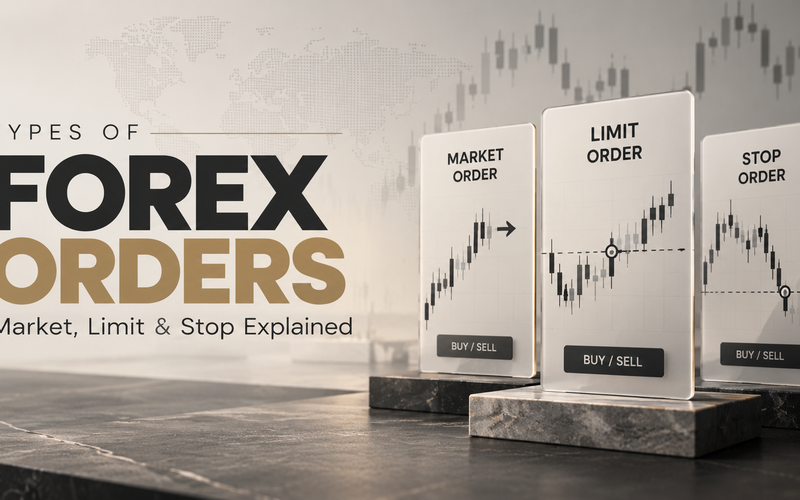
An order is your instruction to the broker: when to enter, at what price, and when to exit. Beginners often click “Buy” without knowing which order type they are using, and that small mistake can cost real money. A market order filled during a volatile spike can land far from the price on your screen. A stop order can trigger on a brief wick you never intended to trade. This guide explains every order type you will use on Olympus Capital FX, with examples of when each one fits.
Market Orders: Trade Instantly at the Current Price
A market order tells the broker to fill your trade immediately at the best available price. Your priority is speed, not price.
Example
EUR/USD is quoted at 1.0900 / 1.0902. You click Buy. You will be filled at the ask, 1.0902, or close to it. If the market moves between your click and the fill, you may get slippage.
Best used when:
- You need to enter now and the price is acceptable
- You are confirming a setup that has already triggered
- Liquidity is high, such as during the London or New York session overlap
Risk: You do not control the exact fill price, especially during news releases when spreads widen and prices gap.
Limit Orders: Enter at Your Price or Better
A limit order sets a specific price at which you want to trade. The order only fills at that price or better, so you control your entry, but there is no guarantee it fills.
| Order | Placed When Price Is At 1.0900 | Fills When | Logic |
|---|---|---|---|
| Buy Limit | Below market, e.g. 1.0880 | Price drops to 1.0880 | Buy cheaper on a pullback |
| Sell Limit | Above market, e.g. 1.0920 | Price rises to 1.0920 | Sell higher on a rally into resistance |
Key point: A buy limit is always below the current price, and a sell limit is always above it. If you reverse these, your broker will reject the order or fill it immediately at market.
Stop Orders: Enter on a Breakout
A stop order triggers when price reaches a level and then becomes a market order. It is used to enter in the direction of momentum.
| Order | Placed Above or Below Price | Used For |
|---|---|---|
| Buy Stop | Above market, e.g. 1.0920 | Breakout above resistance |
| Sell Stop | Below market, e.g. 1.0880 | Breakdown below support |
Example: Breakout Entry
EUR/USD has resistance at 1.0920 and has tested it three times. You place a buy stop at 1.0925. If price breaks through, your order becomes a market buy and fills near 1.0925. If price never breaks out, nothing happens and you avoid a false trade.
Warning: Stop orders can fill with slippage during fast moves, so a fill may come a few pips past your trigger. Always account for this in your risk calculation.
Stop-Limit Orders: Control the Breakout Price
A stop-limit order combines both. When the stop price is hit, it places a limit order instead of a market order. This protects you from a bad fill, but the trade may not execute at all if price moves too quickly past your limit.
Use stop-limit when you care more about the entry price than about being in the trade.
Protective Orders: Stop Loss and Take Profit
These are attached to an open trade and manage your exit.
Stop Loss
Closes your trade automatically if price moves against you by a set amount. This is the most important order you will place. Trading without one exposes your entire account to a single move.
Take Profit
Closes your trade automatically when price reaches your target. It removes the emotional temptation to hold for “a little more.”
Trailing Stop
A stop that moves with price in your favor but never moves back against you. For example, a 20-pip trailing stop on a long trade rises as price rises and closes the trade if price falls 20 pips from its peak.
Example: Long EUR/USD Trade
Entry: Buy at 1.0900
Stop loss: 1.0860 (40 pips risk)
Take profit: 1.0980 (80 pips reward)
Risk-to-reward ratio: 1:2
OCO Orders: One Cancels the Other
An OCO (one cancels the other) pair places two linked orders. When one fills, the other is cancelled. Traders use this to prepare for a breakout in either direction, such as placing a buy stop above a range and a sell stop below it.
Choosing the Right Order Type
| Goal | Best Order |
|---|---|
| Enter immediately | Market |
| Enter at a better price on a pullback | Limit |
| Enter when a breakout confirms | Stop |
| Enter on breakout with price control | Stop-limit |
| Cap your loss | Stop loss |
| Lock in target profit | Take profit |
| Protect profits while letting winners run | Trailing stop |
🎯 Key Takeaways
- Market orders fill now but at an uncontrolled price.
- Limit orders control price but may never fill. Buy limits sit below the market, sell limits above it.
- Stop orders enter on breakouts. Buy stops sit above, sell stops below.
- Stop-limit orders control the breakout fill price but risk missing the trade.
- Always use a stop loss. It is the single most important order you place.
- Take profit and trailing stops manage exits so you are not relying on emotion.
- OCO orders let you prepare for a breakout in either direction.
- Olympus Capital FX supports these order types on both MT5 and cTrader.
